
MarkSync PDF
A downloadable tool for Windows
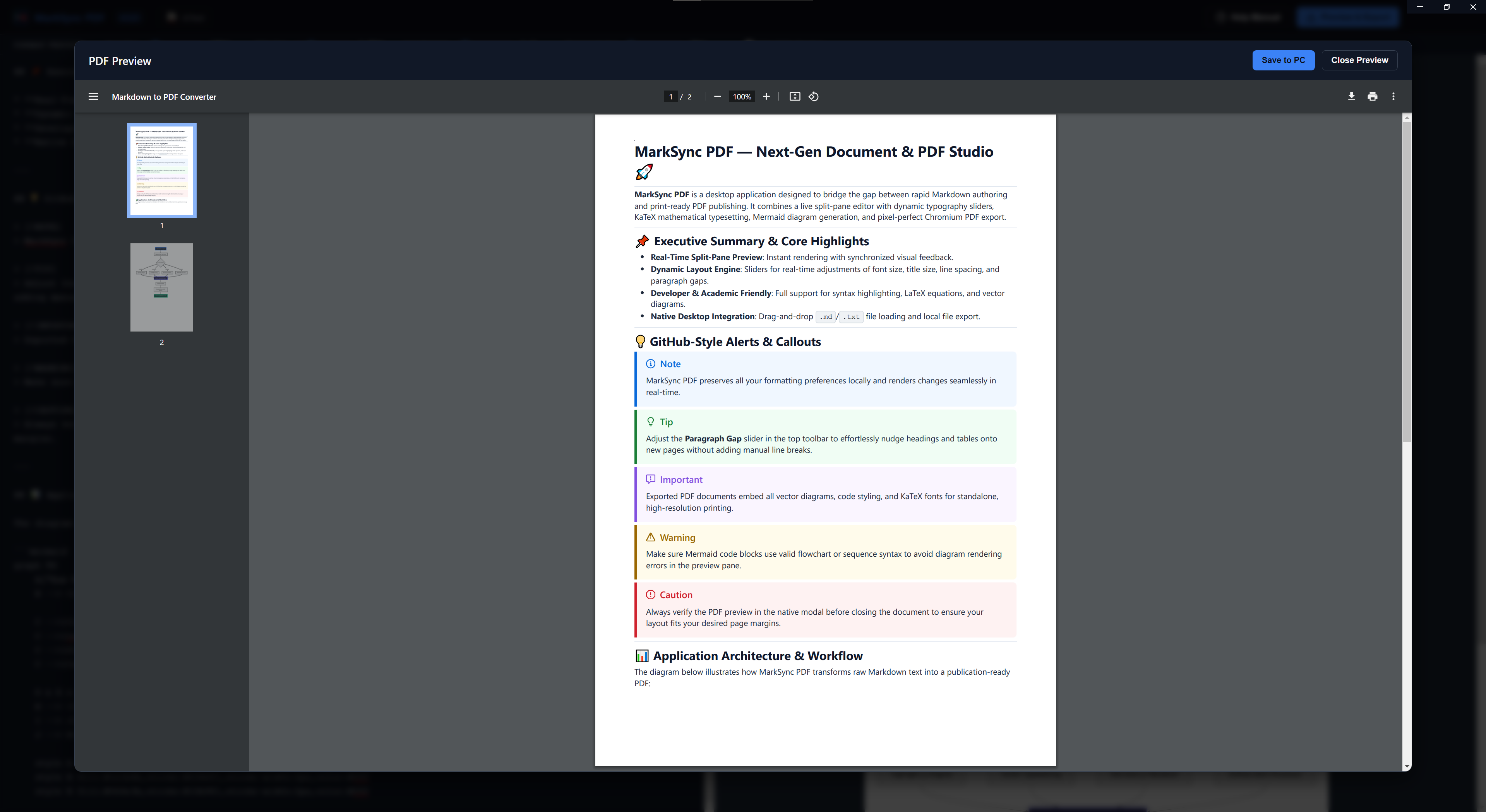
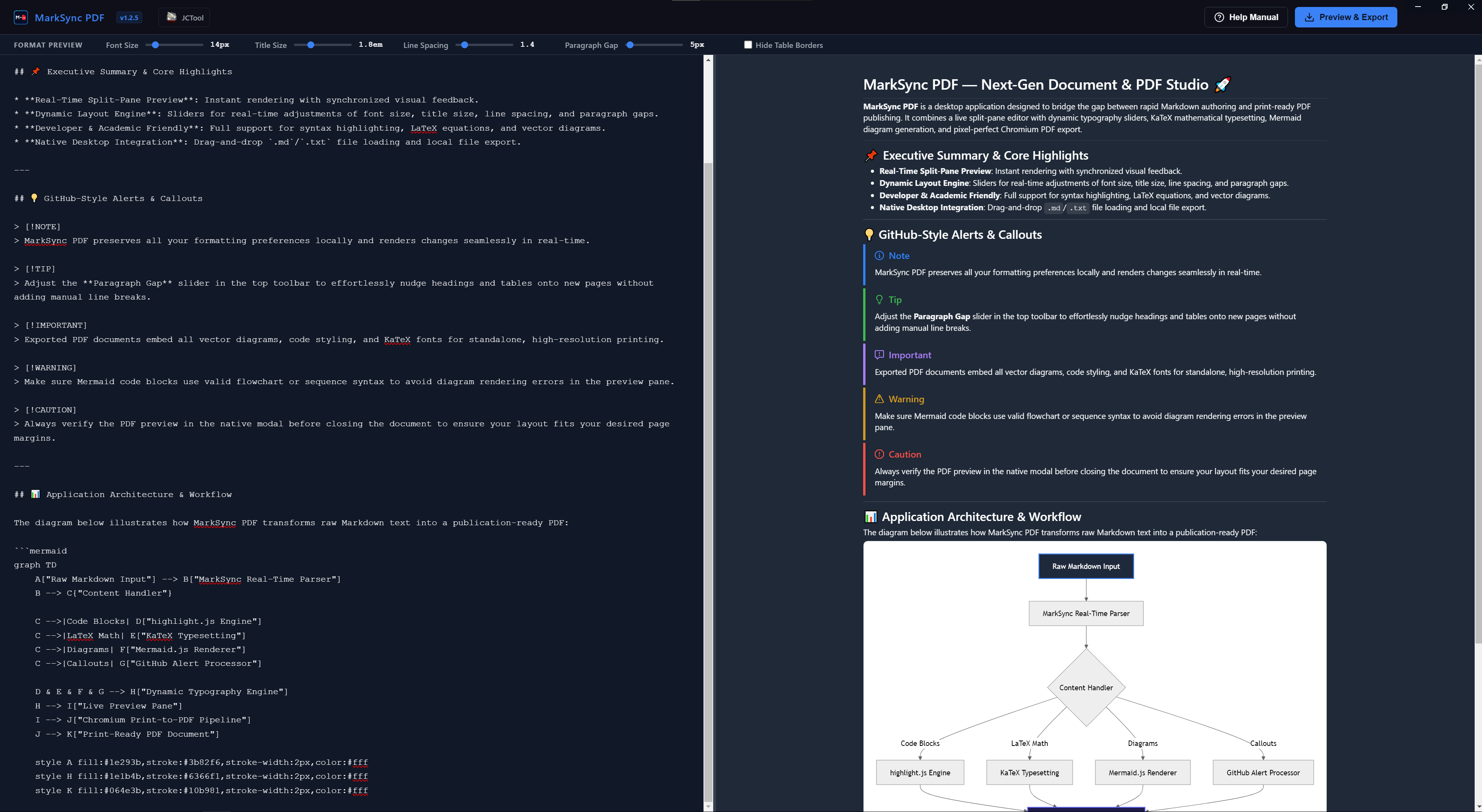
MarkSync PDF is a modern, fast, and fully offline desktop Markdown editor. It features a beautiful dark-themed interface with a side-by-side live preview. Built for professionals and students alike, it supports advanced formatting like Mermaid flowcharts, MathJax equations, and code syntax highlighting. When you're ready, export your work directly to a high-quality PDF with a single click (i.e. no cloud required).
Development Log
[v1.2.8]
Implement 1:1 synchronized scrolling
Added
- Added seamless sync scrolling between the markdown editor and live preview
Improved
- Pevents UI from freezing when editing large documents
- Implemented in-memory DOM caching for instantaneous manual opens (0ms delay).
[v1.2.6]
Optimised build size and exclude non-essential packaging assets
Improved
- Installer size has been reduced.
[v1.2.5]
High-Contrast PDF Print Engine, One-Click Code Copy & User Manual Expansion
Added
- One-Click Code Block Copy: Added interactive copy buttons (
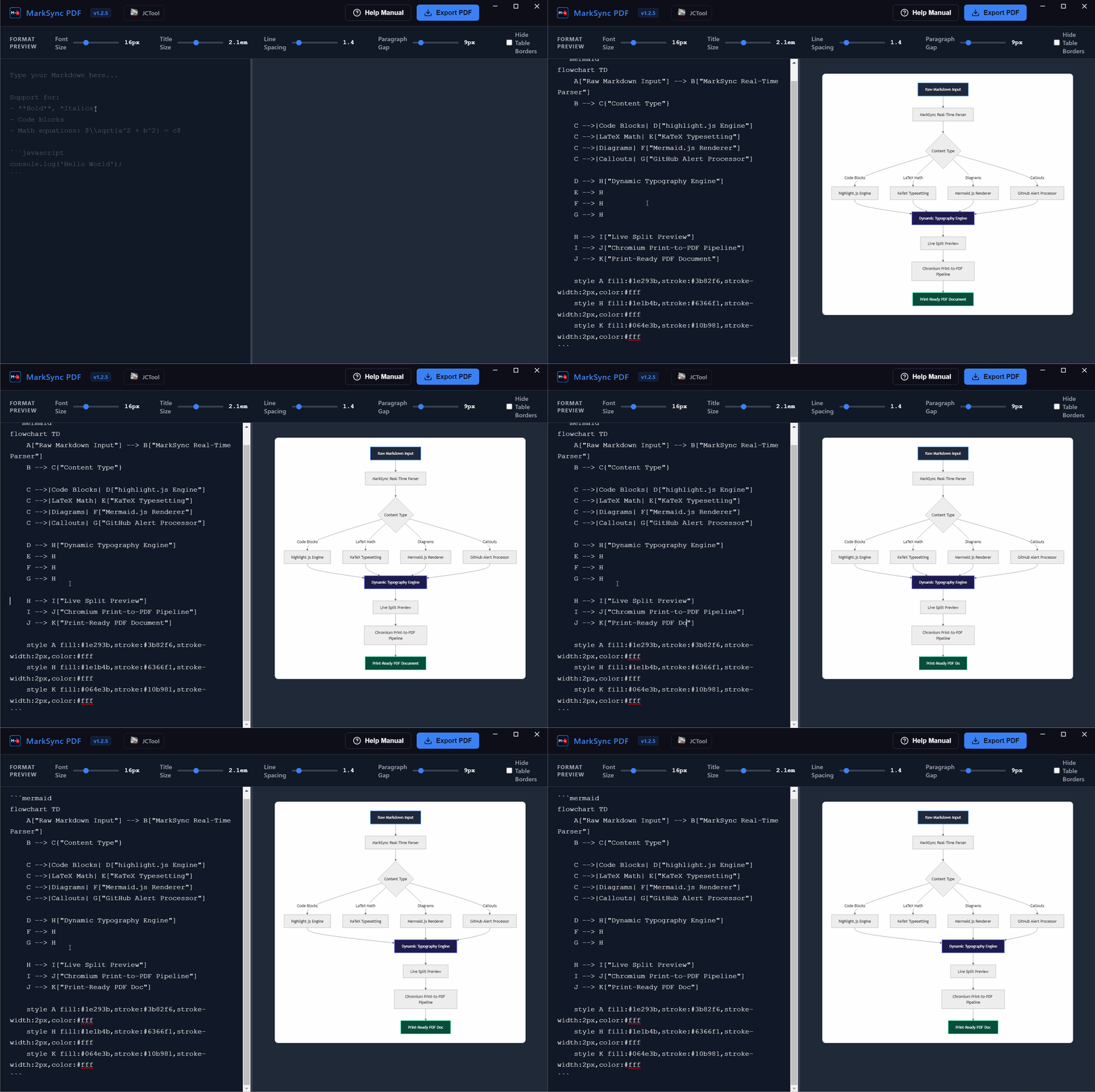
.copy-code-btn) to all rendered code blocks with animated checkmark feedback ("Copied!") and native clipboard integration. - Flowchart & Syntax Templates: Added comprehensive Mermaid flowchart examples (Left-to-Right and Top-to-Down pipeline diagrams) and copyable syntax templates directly into the user manual.
Improved & Refined
- High-Contrast PDF Print Engine: Overhauled
@media printwith GitHub Light syntax highlighting forhighlight.jscode blocks (distinct coloring for keywords, strings, functions, numbers, and comments) in exported PDFs. - Alert & Callout Print Styles: PDF print engine now renders full tinted backgrounds and colored borders for Note, Tip, Important, Warning, and Caution callouts.
- Smart Page-Break Handling: Added
break-inside: avoidto code blocks, tables, callout alerts, and blockquotes to prevent awkward splits across PDF pages. - PDF Math Contrast: Adjusted KaTeX formula contrast (
#0f172a) and task checklist alignment for crisp document exports. - UI & Links: Updated author/product links to the official itch.io store page (jctool.itch.io/marksync-pdf) and streamlined toolbar labels.
[v1.2.2]
Math Formula Syntax & KaTeX Fixes
Fixed
- LaTeX Math Parsing: Resolved edge-case syntax parsing bugs when rendering inline (
$...$) and block ($$...$$) mathematical equations.
[v1.2.1]
In-App User Manual & Documentation Modal
Added
- Integrated User Manual Modal: Added an in-app viewer to quickly access the complete Markdown Syntax Cheat Sheet and application guide directly from the header toolbar.
Fixed
- Documentation Formatting: Fixed syntax highlighting formatting and layout typos in documentation files.
[v1.2.0]
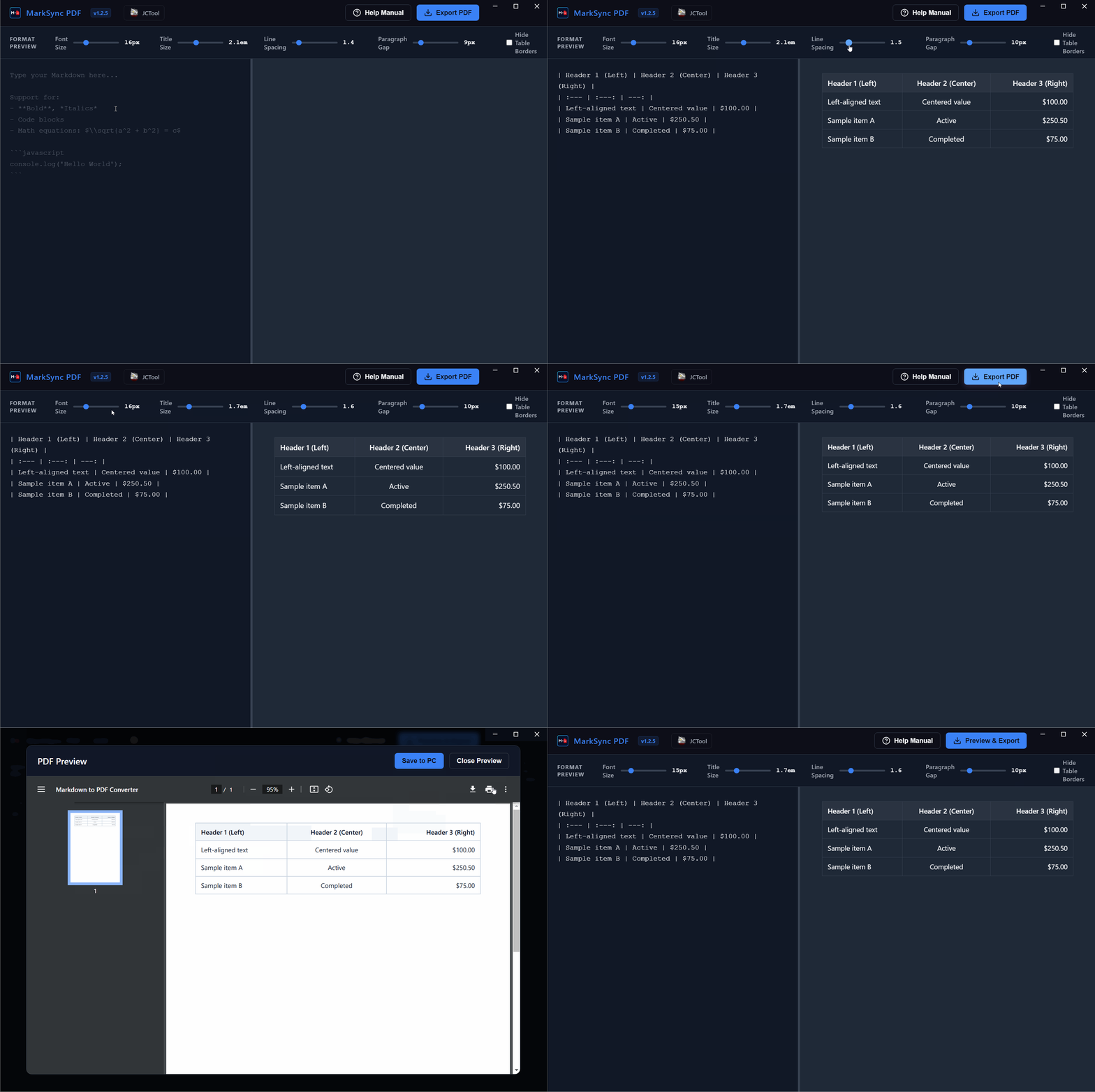
Table Border Customization
Added
- Borderless Tables Toggle: Added a
"Hide Table Borders"checkbox control to the top toolbar, enabling clean, minimalist table layouts across both live preview and PDF output.
[v1.1.5]
UI/UX Visual Consistency & Polish
Improved & Refined
- Unified Dark Workspace Theme: Standardized color palettes across the split-pane workspace, toolbar controls, status tags, and modals.
- Modern Control Aesthetics: Enhanced slider styling, custom dark scrollbars, glassmorphism modal backdrops, and active button states.
[v1.1.2]
Branding & Header Integration
Added
- Logo & App Icon: Integrated the official MarkSync PDF icon into the application title bar.
- Author Branding: Added external shortcut link to the JCTool creator page.
[v1.1.0]
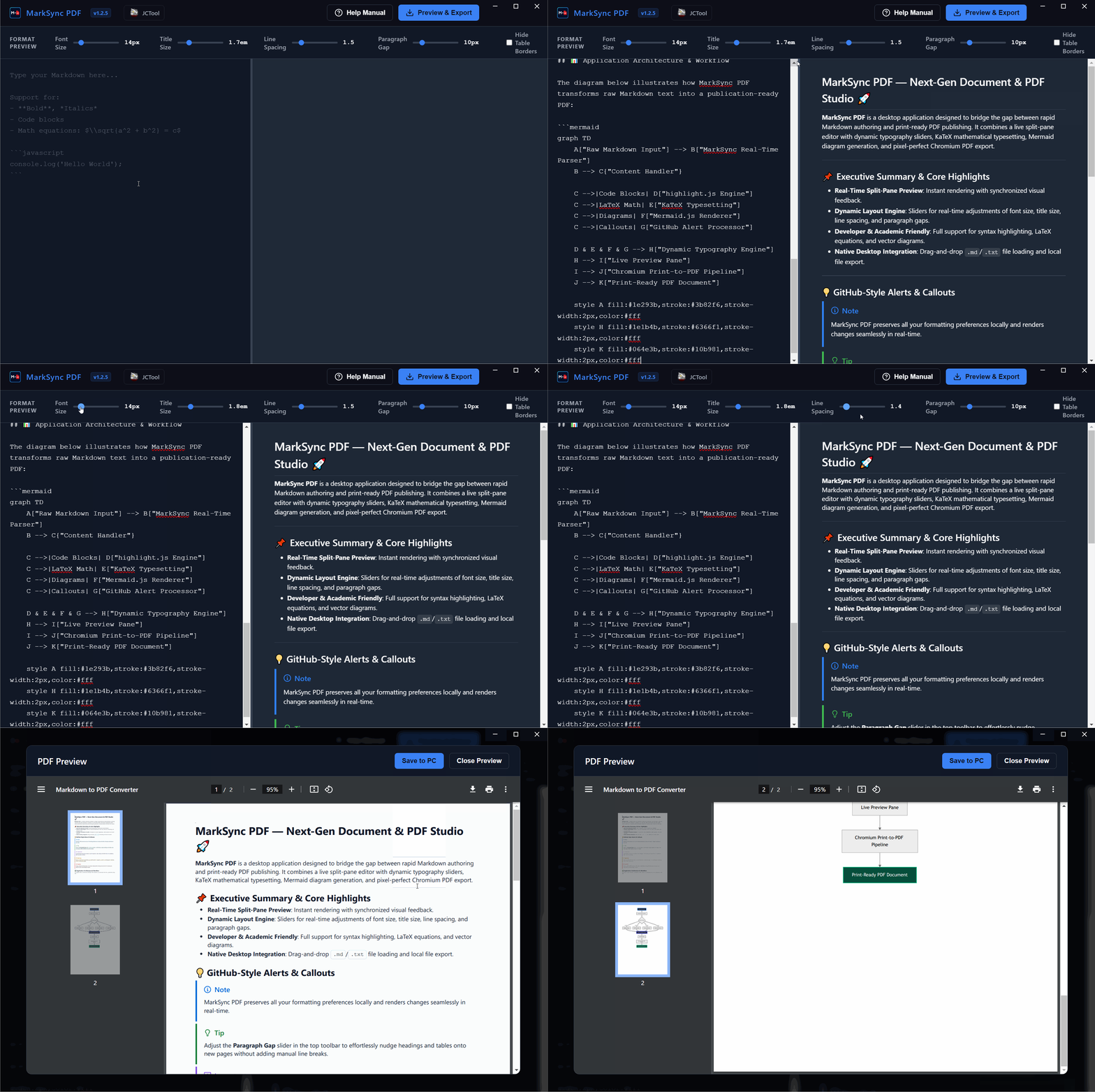
Real-Time Dynamic Typography Engine
Added
-
Interactive Spacing Sliders: Introduced real-time layout sliders in the top toolbar:
- Font Size (
12px–28px): Dynamically scales base body text. - Title Size (
1.2em–3.5em): Scales headings fromH1down toH4. - Line Spacing (
1.2–3.0): Adjusts line height for compact or airy reading. - Paragraph Gap (
0.5em–2.5em): Customizes vertical rhythm between blocks.
- Font Size (
- CSS Variable Sync: Live slider values automatically synchronize with the DOM and transfer seamlessly into the PDF print pipeline.
[v1.0.5]
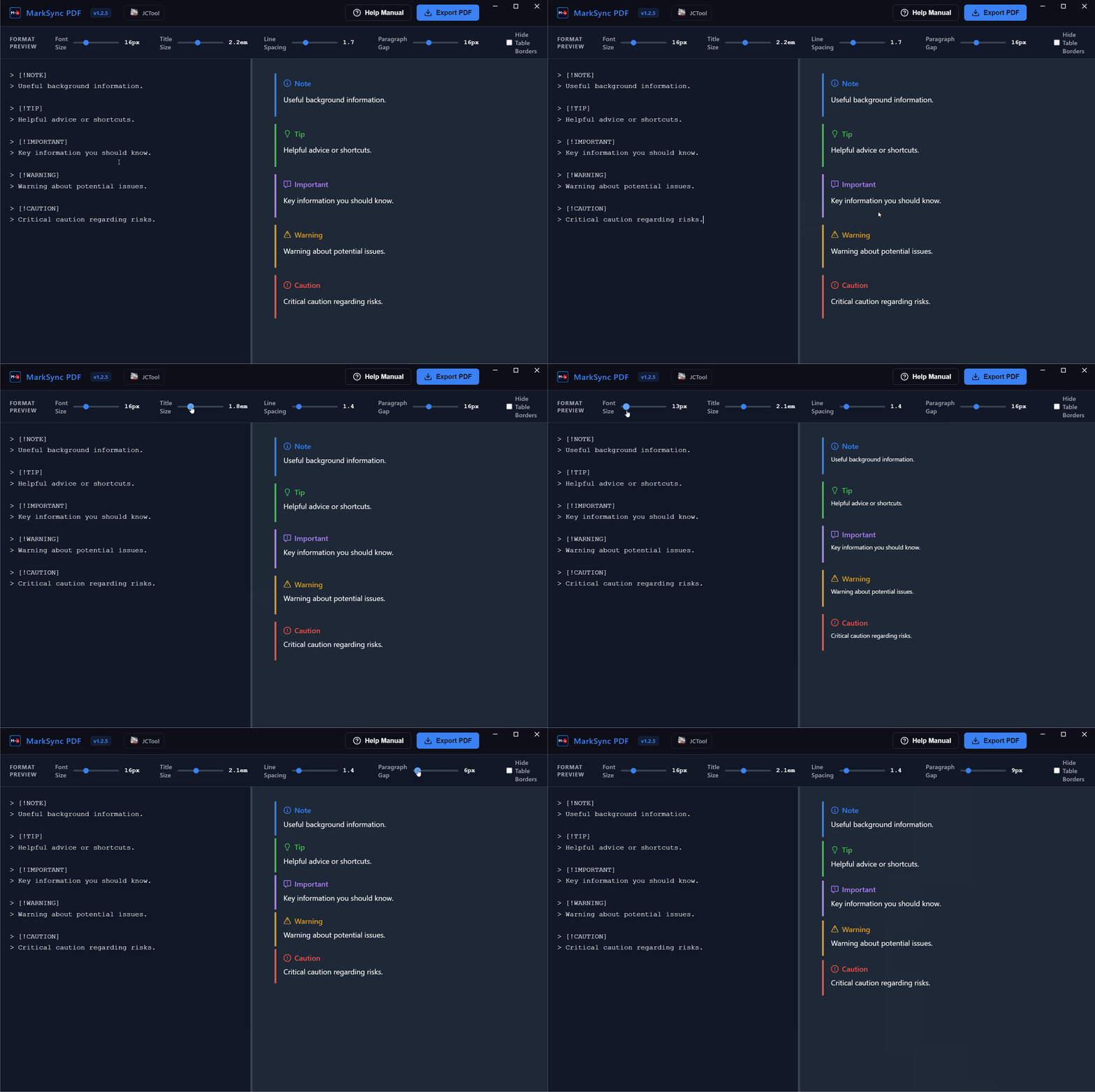
GitHub-Style Alert Callouts
Added
- Rich Markdown Alerts: Integrated native rendering for all five GitHub callout types (
[!NOTE],[!TIP],[!IMPORTANT],[!WARNING],[!CAUTION]) with custom SVG icons and colored accent borders.
[v1.0.0]
Initial Release of MarkSync PDF Studio
Added
- Real-Time Split-Pane Workspace: Dual-pane distraction-free Markdown editor with live preview rendering.
- Code Highlighting: Multi-language syntax highlighting powered by highlight.js.
- Diagrams from Text: Live visual flowchart and diagram generation powered by Mermaid.js.
- LaTeX Mathematics: Full mathematical equation typesetting powered by KaTeX.
- PDF Export & Preview Modal: Built-in Chromium print-to-PDF pipeline with immediate in-app PDF preview.
- Drag-and-Drop File Import: Support for opening
.mdand.txtfiles via drag-and-drop. - Document Auto-Save: Persistent local storage preserving active documents across app restarts.
Purchase
In order to download this tool you must purchase it at or above the minimum price of $5.49 USD. You will get access to the following files:
Leave a comment
Log in with itch.io to leave a comment.